
SHAREit
SHAREit is a free Windows app from the SHAREit Team for moving photos, videos and documents between a PC and a phone. The current version is 5.1.0.7.
22.7 MB

1.3.6668 · Gibson Research Corporation · Page updated
DNS Benchmark is a free, tiny Windows tool from Gibson Research Corporation that measures how quickly different DNS servers respond from your connection.
Average 0.0 · ratings: 0
Thank you! Your rating is saved; you can change it. Could not save the rating. Please try again later. Too many ratings from your network today. Please try again tomorrow. The average appears after 5 ratings.
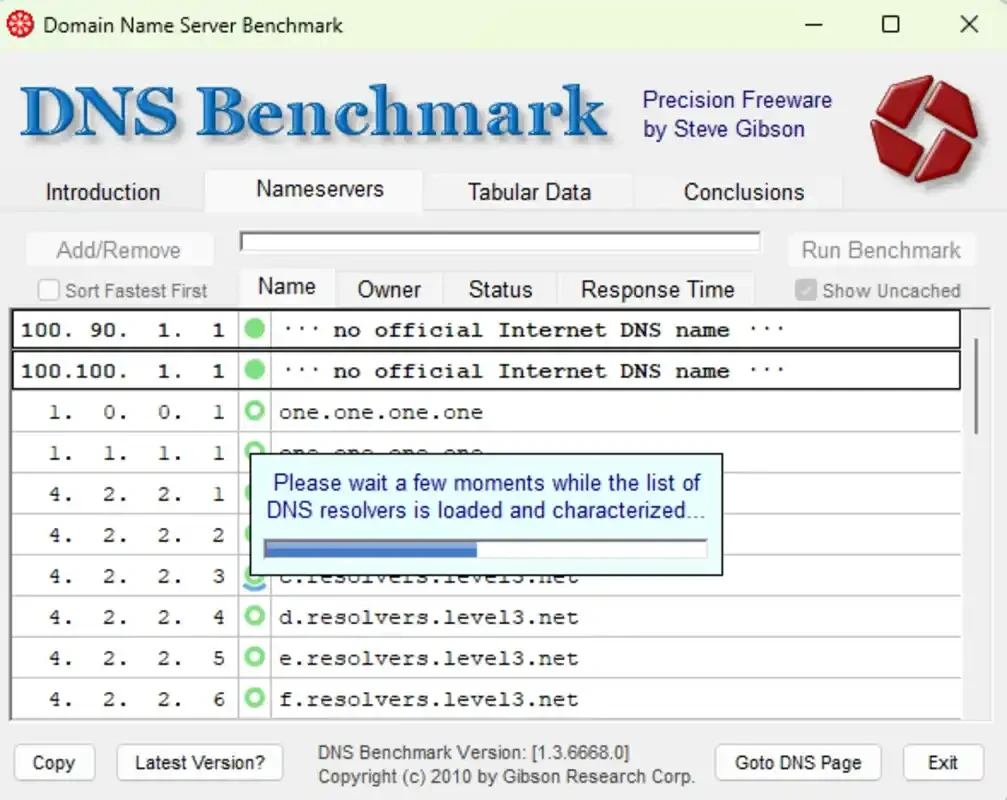
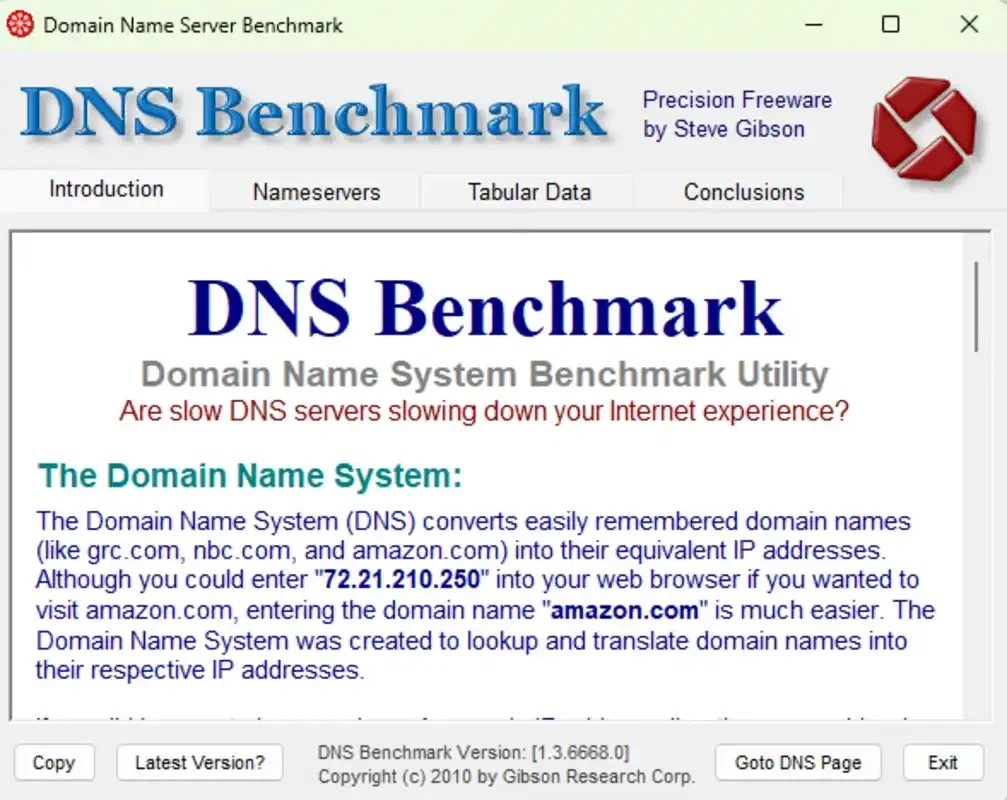
DNS Benchmark 1.3.6668 is a free Windows utility from Gibson Research Corporation (GRC) that measures how quickly DNS servers respond from your own internet connection. Download DNS Benchmark to compare your provider's DNS with public resolvers and pick the one that gives the quickest name lookups on your network.
Every time you open a website, your PC first asks a DNS server to translate the name into an IP address. If that server is slow, overloaded or far away, pages feel sluggish before a single byte of content arrives. Most people use whatever DNS their provider hands out and never think about it. DNS Benchmark is for those who want facts instead of guesses: home users wondering whether a public DNS service would help, gamers and streamers who care about every delay, small office admins choosing resolvers for a network, and anyone troubleshooting pages that sometimes take seconds to start loading. The program runs a set of lookups against dozens of servers, separates cached answers from uncached ones and dot-com lookups, and ranks the results in a clear chart. It also checks reliability, so a server that is quick but drops queries does not win. Because results depend on your location and provider, a test run from your own PC is worth more than any ranking published online. If your connection is already quick and you never notice delays, the tool will mainly confirm that everything is fine.
DNS Benchmark runs on Windows and needs only an internet connection. The file is extremely small, about 168.64 KB according to catalogue data. It does not change any system settings by itself.
Yes, when downloaded from grc.com. The program only sends DNS queries and displays the results; changing your DNS is a step you take yourself. When you pick a public resolver, read its privacy policy, since it will see every domain you visit. The version history lists changes between releases.
DNS Benchmark 1.3.6668 is freeware.
To switch DNS servers with a click after testing, DNS Jumper is on our site. For wider network checks, WinMTR traces where a connection loses packets and NetSpeedMonitor shows live bandwidth.
SHAREit is a free Windows app from the SHAREit Team for moving photos, videos and documents between a PC and a phone. The current version is 5.1.0.7.

Zapya for Windows is a free file transfer app from DewMobile for moving files between a PC and phones over a local wireless connection.

Easy Connection to Screen is Samsung's Windows app for showing a PC's screen on a compatible Samsung TV over a wireless connection.

Internet Download Manager (IDM) is a shareware download manager for Windows from Tonec that accelerates, resumes and schedules downloads.

uTorrent (μTorrent) is a small BitTorrent client for Windows from Rainberry (BitTorrent Inc) for downloading and sharing files over torrents.

AnyDesk is a remote desktop application for connecting to and controlling another computer over the internet, from a small Windows program.

ShareMe is Xiaomi's free app for sending files between devices without a cable; on Windows the Android app runs only inside an emulator.

Xender is a free file sharing app from the Xender File Sharing Team for sending files between phones and computers over a local connection.